
T
E
C
H
N
I
X
I
O
Technixio Assistant
Ask about our services
Hi! I'm Technixio's assistant. Ask me about our services, careers, or how to get in touch.
Website Security Basics Every Small Business Should Know
27
Sep
Website Security Basics Every Small Business Should Know
Most small business owners assume hackers only go after big companies with lots of money or data. In reality, small business websites get targeted more often - not because they are valuable individually, but because they are usually easier to break into. A few practical habits make a real difference.
Use Strong, Unique Passwords Everywhere
This sounds obvious, but it is still the single biggest reason small business sites get compromised. The same password reused across your email, hosting panel, and admin login means one leaked password anywhere exposes everything. A password manager makes this easy - you only need to remember one strong master password.
Keep Everything Updated
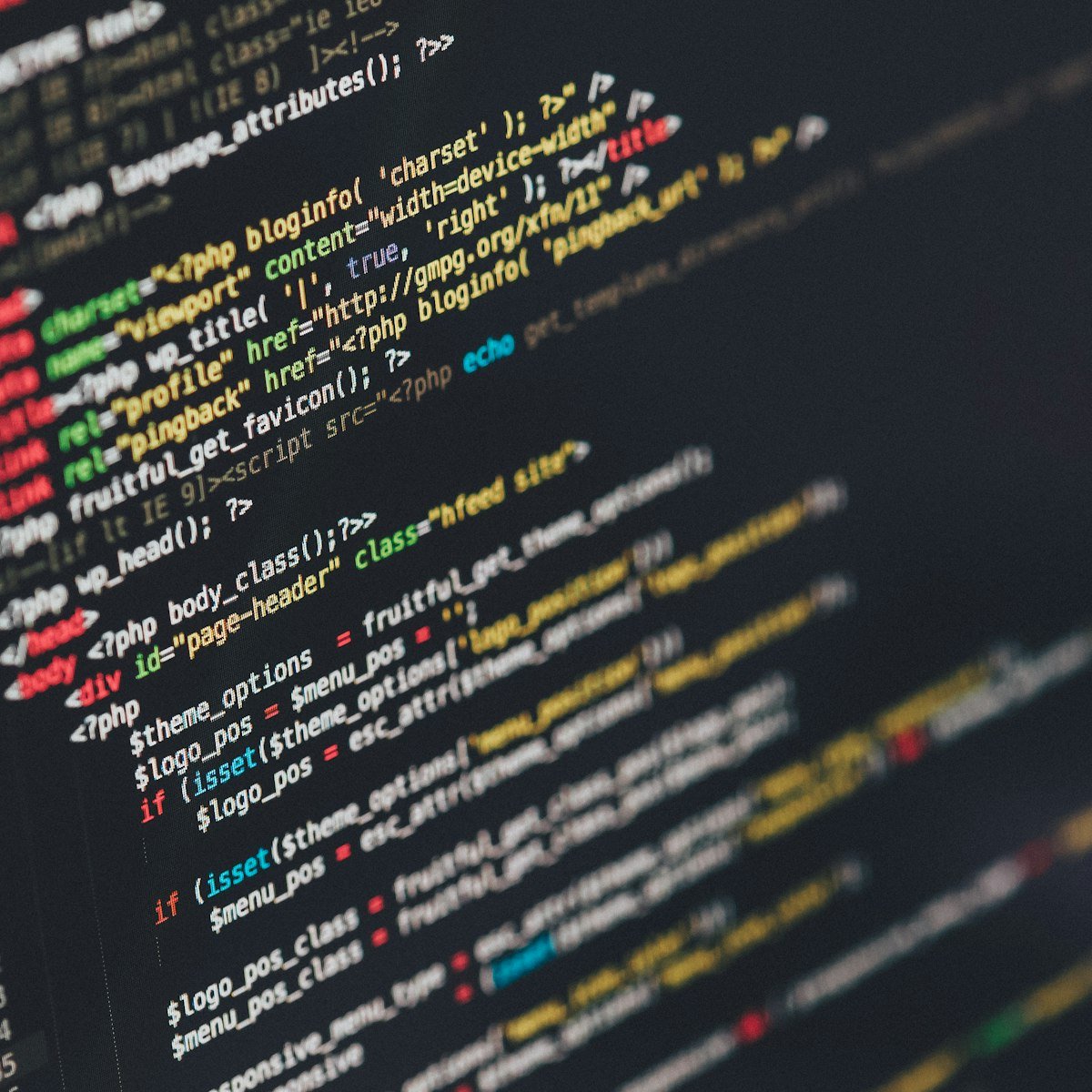
Whether it is WordPress, a custom PHP application, or any third-party plugin, outdated software is the most common way sites get hacked. Most attacks are not targeted at you specifically - they are automated bots scanning the internet for known, unpatched vulnerabilities. Updating promptly closes that door before it is even tried.
Validate and Sanitize Every Input
Any form on your website - contact forms, search bars, login fields - is a potential entry point if the data is not properly checked on the server side. Two of the most common attacks, SQL Injection and Cross-Site Scripting (XSS), both exploit forms that trust user input without verifying it first. This is server-side work, not something a plugin alone can fully solve.
Always Use HTTPS
An SSL certificate does more than remove the browser's "Not Secure" warning - it encrypts data traveling between your visitor and your server, protecting logins, contact form submissions, and payment details from being intercepted. Most hosting providers now offer free SSL certificates, so there is rarely a good reason to skip this.
Take Regular Backups - And Store Them Off-Server
If a site does get compromised, a recent backup is what turns a disaster into a minor inconvenience. The backup should live somewhere other than the same server, otherwise a single server issue can take out your site and your only backup together.
Our Approach
When we build or review a website, we run it through both automated and AI-assisted code review to catch these exact issues - exposed credentials, unsafe SQL queries, missing input validation - before they ever reach a live server. Security is not something we bolt on at the end; it is part of how the code gets written in the first place.


Full-service web, app & digital marketing partner for growing businesses.
+91-81145-25417
info@technixio.com
Mon-Sat: 10:00 AM - 7:00 PM
New Delhi, India
Have a project in mind? Reach out directly.
Get In Touch